Add login credentials for an existing student
 You can do this from any roster or report that lists the students' names. The steps below refer to starting on the Dashboard and using the Students roster as a Coordinator, but you can also begin at Step 3 from almost any report in Smart Futures.
You can do this from any roster or report that lists the students' names. The steps below refer to starting on the Dashboard and using the Students roster as a Coordinator, but you can also begin at Step 3 from almost any report in Smart Futures.
1. Navigate to https://portal.smartfutures.org/cpp/i/dashboard
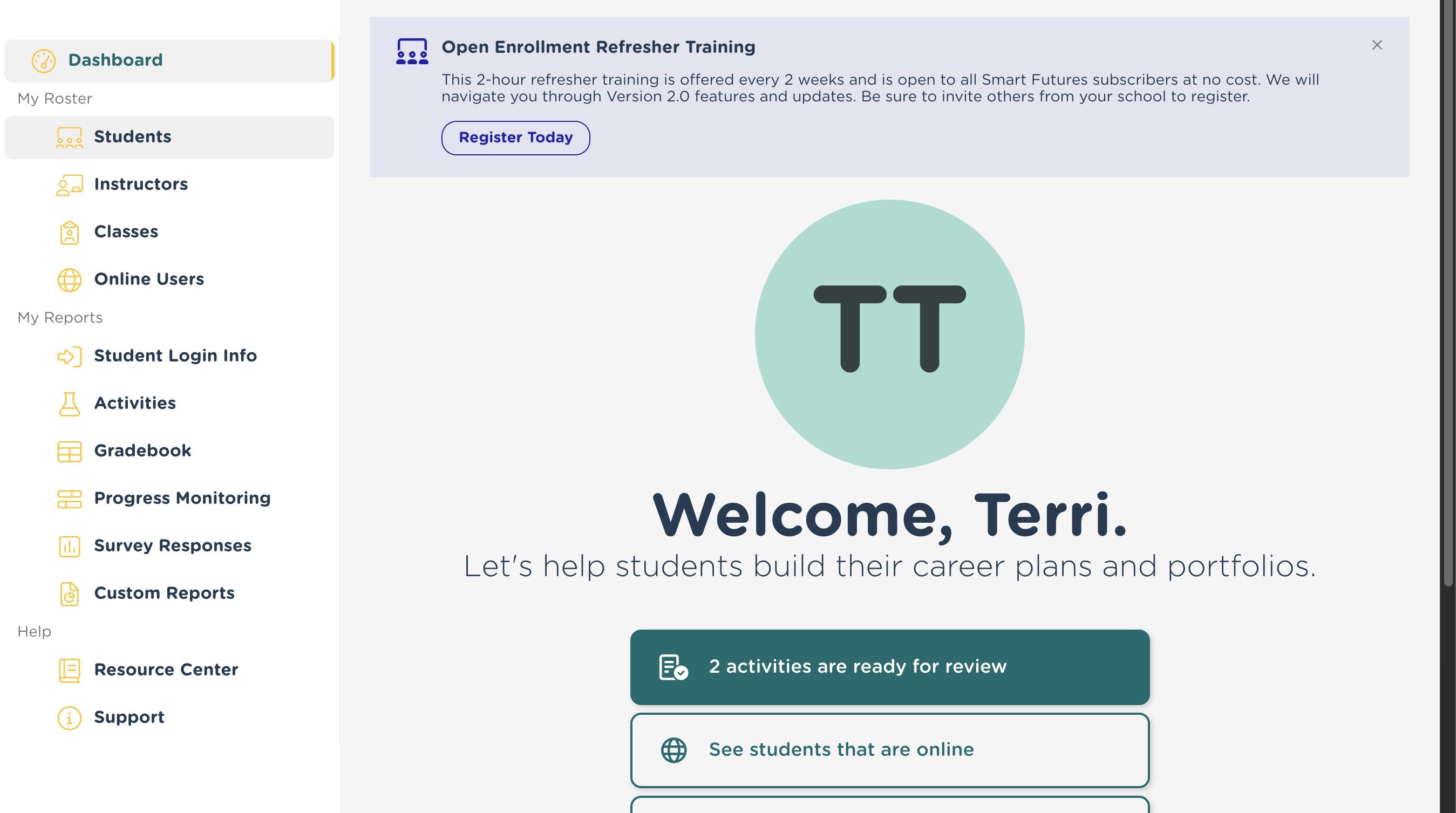
2. Click "Students"
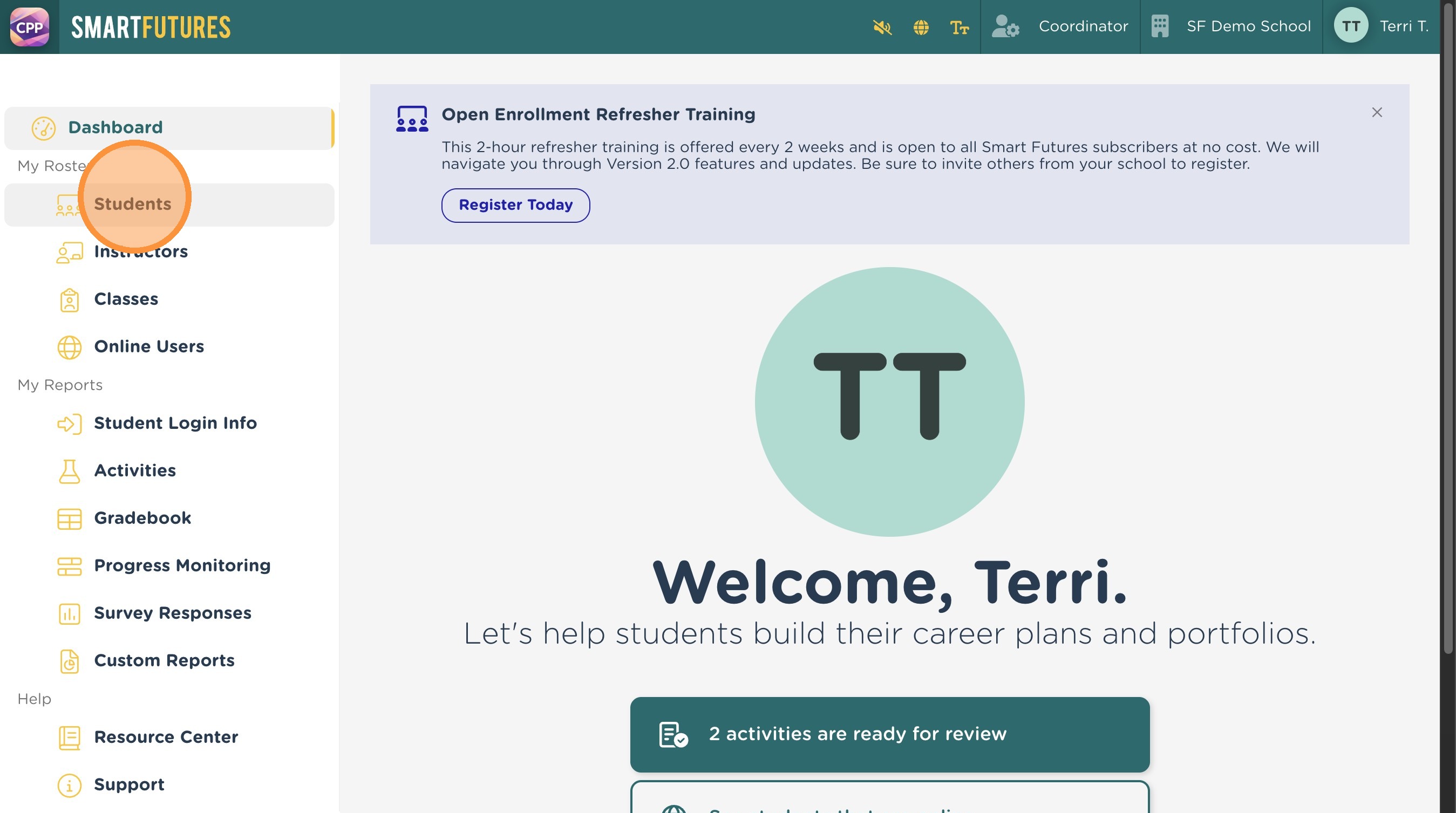
3. Click on the name of the student you want to add login credentials for.
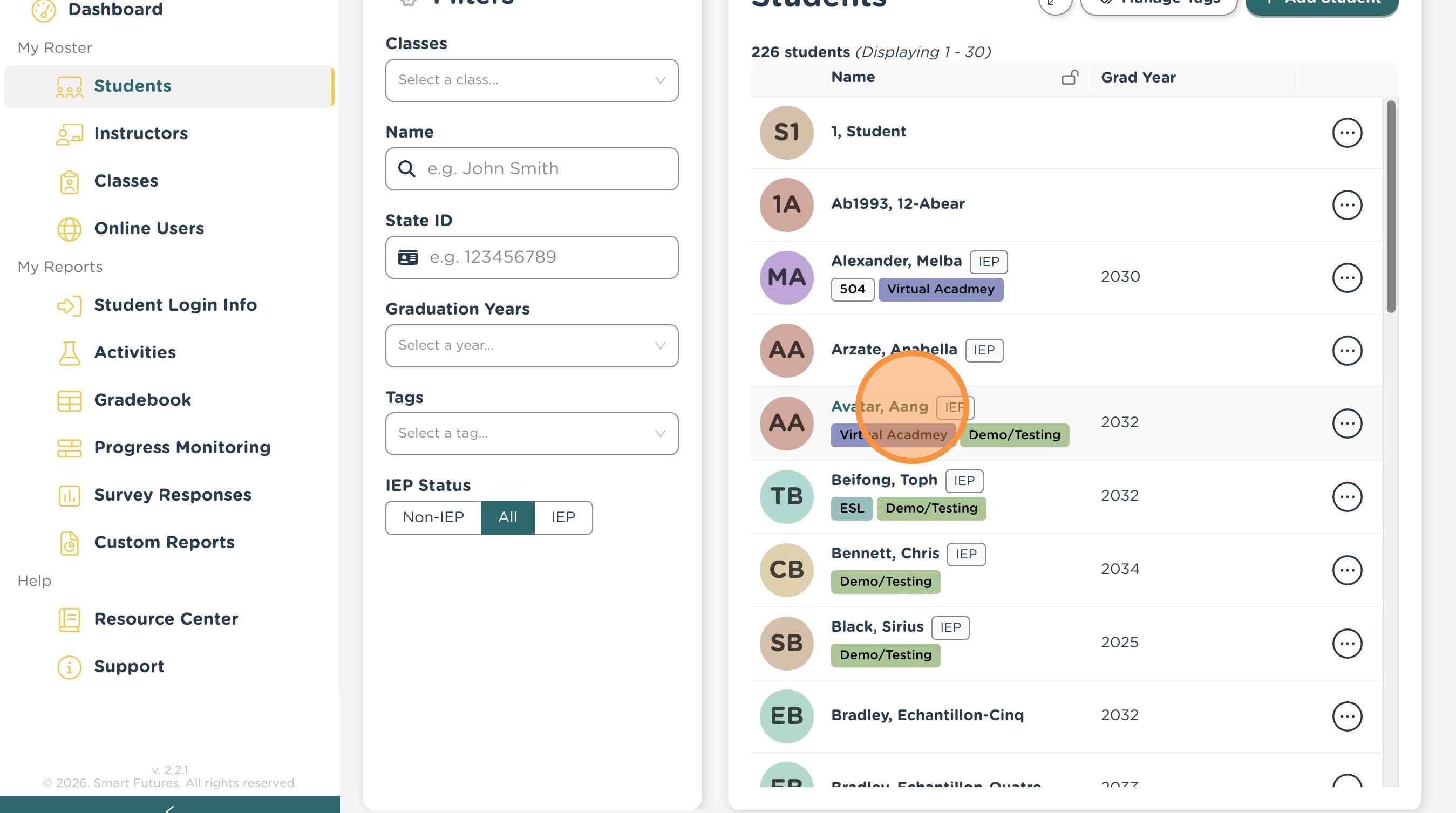
4. Click "Edit" on the user profile screen.
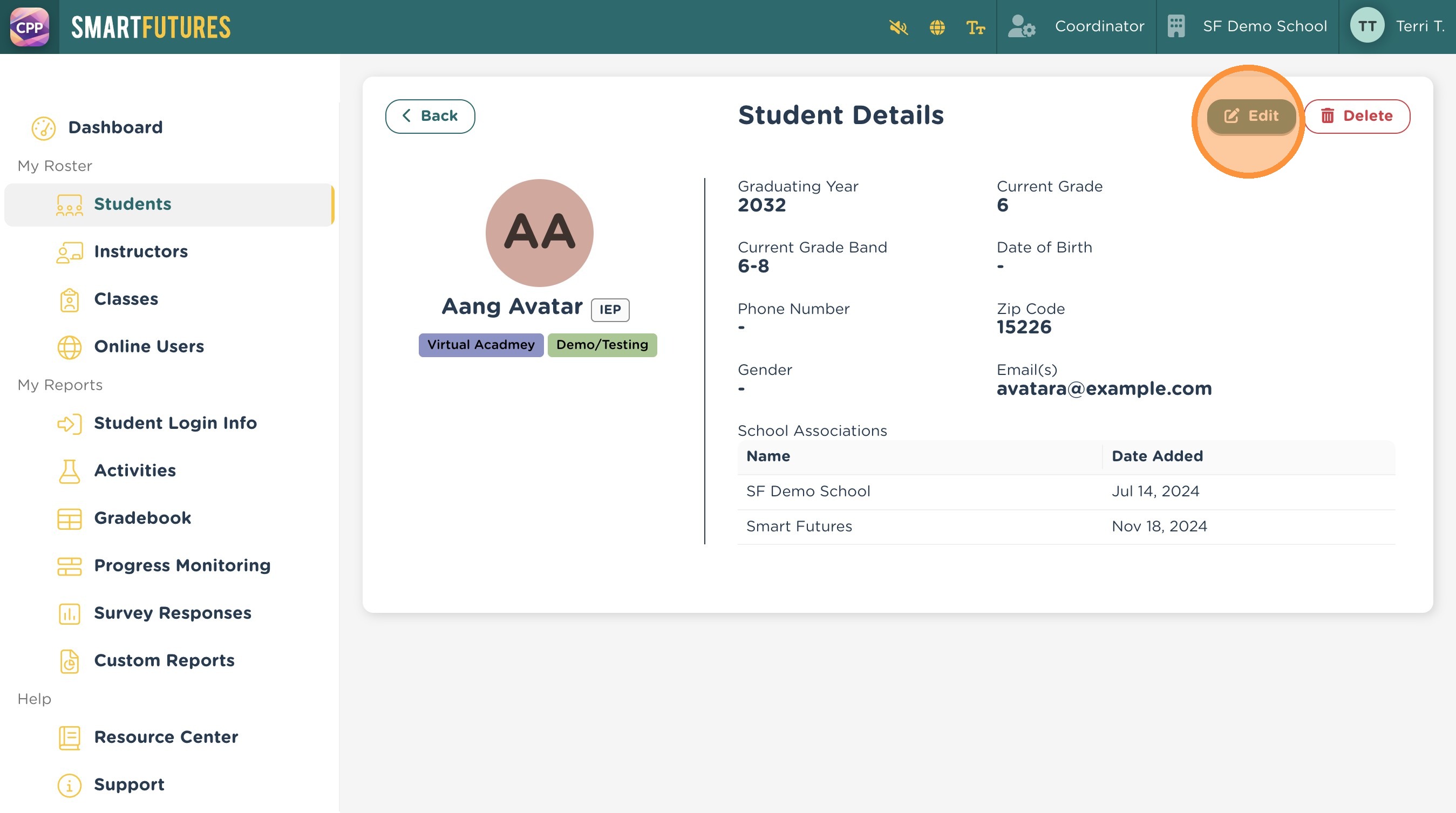
5. Click "Create Login Association"
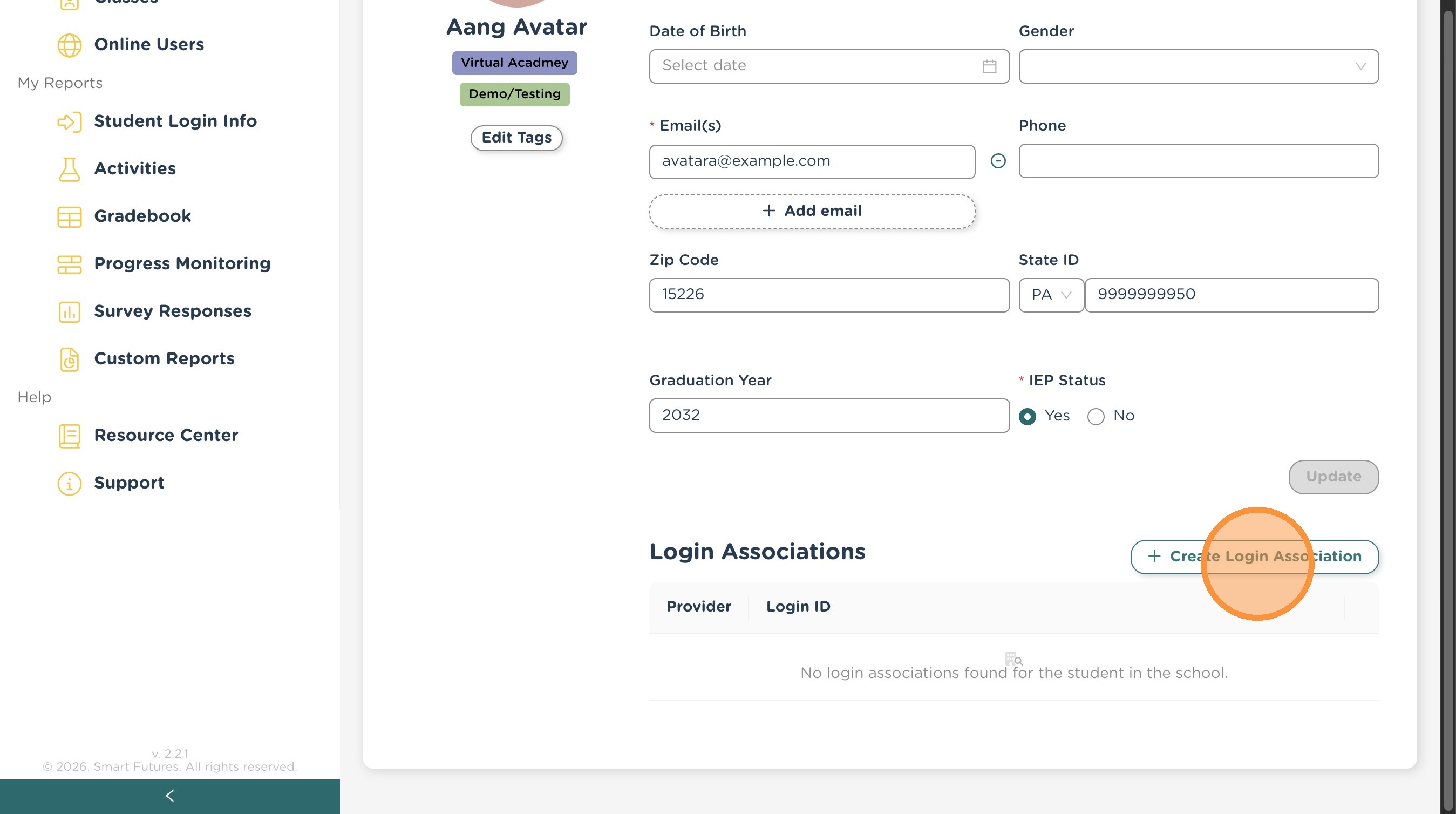
6. Enter the desired login id and password and click "Save".
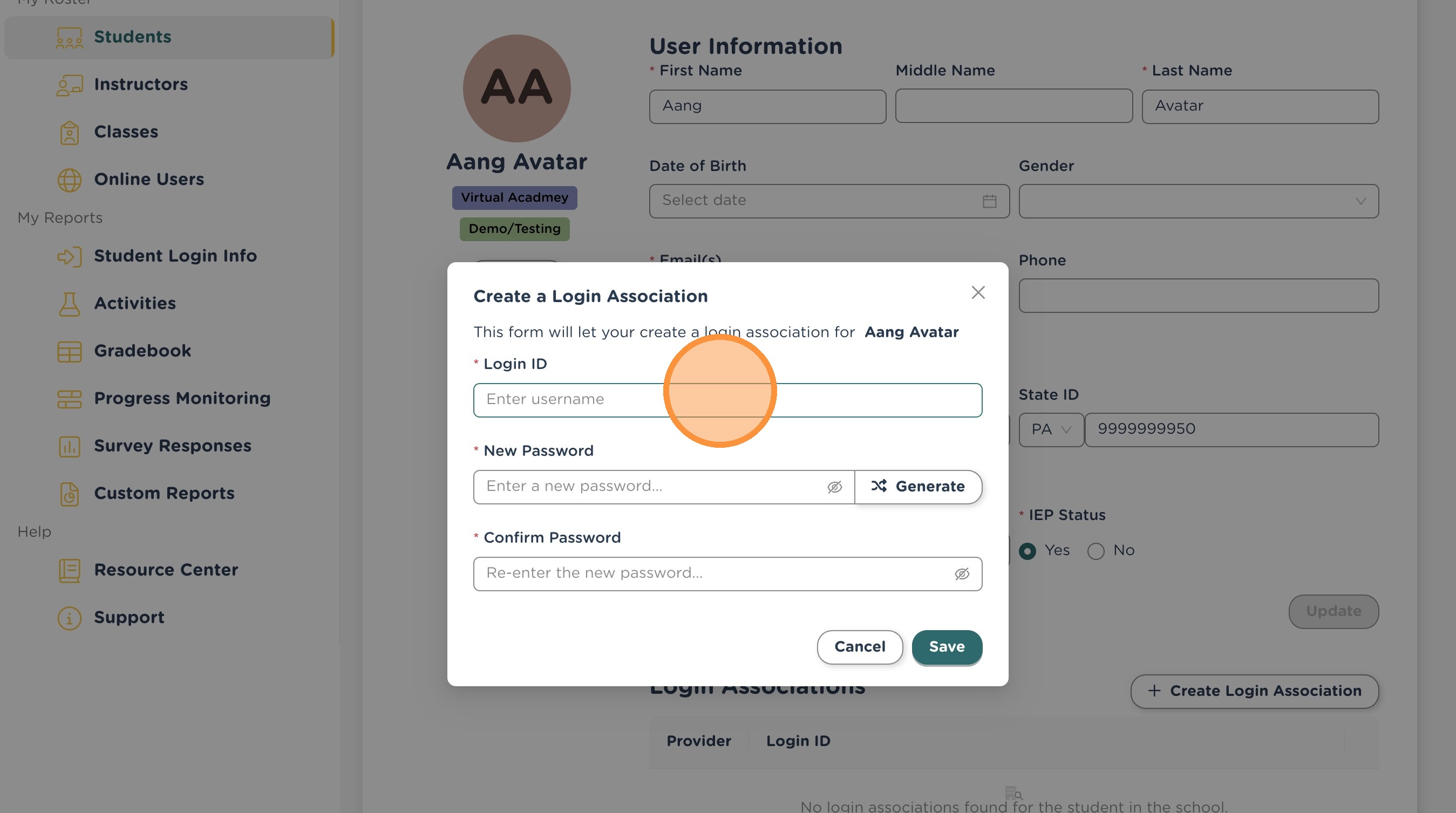
7. The student will now be able to log in with their username and specified password.
Related Articles
How to Manually Add a Student in Smart Futures
Note: You must be a Coordinator to add new students to your school in Smart Futures. 1. Navigate to https://portal.smartfutures.org/i/dashboard 2. Click "Students" 3. Click "Add Student" 4. Enter the student's PA Secure ID in the state id field. 5. ...V2: Student Login Info Report
1. Navigate to https://portal.smartfutures.org/i/dashboard 2. Click "Student Login Info" 3. Use the Universal Filters to select the students that you want included in your report. 4. If the student has a username for your school/district, it will be ...Login Frequently Asked Questions
I am a student and cannot sign in. Ask your teacher or counselor how you should be logging in to Smart Futures. There are different sign in options available for different schools and school districts, and your teacher should be able to tell you what ...V2: How to add an email address for a student
Logging in to Smart Futures with Google or Microsoft SSO requires that the corresponding email address be included in the student's profile. As long as the correct email address is available, having another email address, such as from a previous ...Reviewing Student's Industry Recognized Credentials
From My Classes or Progress Monitoring, find the appropriate class and go to that student's row. Use the Options drop-down menu at the end of the row and select View Portfolio. The IRC should be listed there if a student has one. If there is an ...